

Does Increasing RAM Really Boost System Performance?
What is RAM and Why It Matters
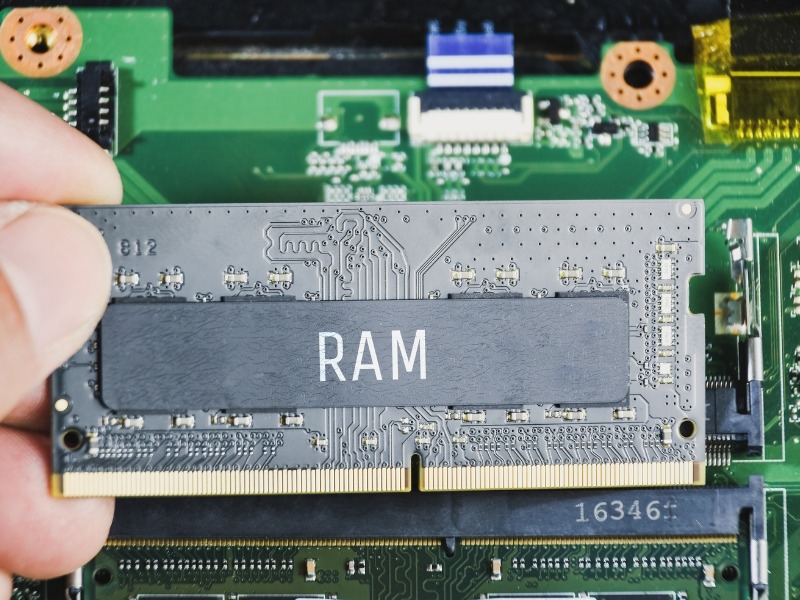
Random Access Memory (RAM) is the temporary storage your computer uses to hold data that’s actively being used by applications and the operating system. Unlike storage drives, RAM is much faster, allowing your system to quickly access the information it needs. More RAM means your system can handle more tasks simultaneously without slowing down, making it a crucial factor for overall performance. RAM is like your system’s short-term memory—it only remembers what’s needed right now, unlike your hard drive, which stores data long-term. The more RAM your system has, the more space it has to manage active processes efficiently. Without sufficient RAM, even powerful processors can be held back, leading to slower performance.

How RAM Affects Speed and Responsiveness
When your system runs low on RAM, it relies on slower storage like your hard drive or SSD to store temporary data, causing noticeable lag. Increasing RAM reduces this reliance, allowing your system to quickly process multiple programs and large files. As a result, applications launch faster, multitasking becomes smoother, and even everyday tasks like browsing and document editing feel more responsive. Even simple tasks such as opening multiple browser tabs or running a music player in the background can become sluggish with insufficient RAM. A RAM upgrade ensures that background processes do not interfere with your main tasks. This improvement is especially noticeable in systems running modern operating systems with memory-intensive features..
RAM and Multitasking Efficiency
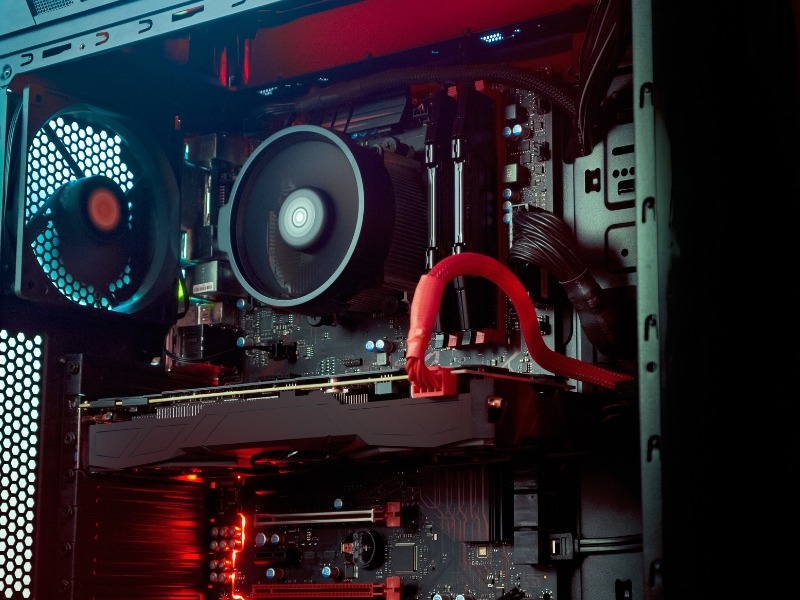
For users who often work with multiple applications at once—like browsers with many tabs, video editing software, or gaming platforms—having more RAM is essential. Higher RAM capacity ensures that each application has enough memory to operate without interfering with others. This prevents crashes, freezing, or slowdowns, giving you a seamless multitasking experience. Without adequate RAM, switching between applications can feel like a chore, as the system struggles to load data back and forth. Professionals working with spreadsheets, databases, or virtual machines will notice improved workflow efficiency. Essentially, more RAM allows your system to think ahead and keep everything ready for quick access.

RAM and Gaming or Creative Workloads
Modern games and creative software, such as video editing and 3D rendering tools, are extremely memory-intensive. Upgrading your RAM can significantly improve frame rates in games, reduce render times, and allow for smoother performance in design applications. This ensures that your system can handle demanding workloads without bottlenecking other components. For gamers, more RAM means fewer stutters, faster level loads, and a smoother experience during intense gameplay. For creative professionals, additional RAM allows working with larger files, higher resolutions, and complex projects without interruptions. Even future-proofing your system becomes easier with a higher RAM capacity, extending its usable lifespan.
When RAM Upgrade is Necessary
Not every system needs a RAM upgrade. If you notice slow performance while running multiple programs, frequent system freezes, or high memory usage in task manager, it might be time to increase your RAM. Consider the type of tasks you perform and your system’s current specifications before upgrading, as the right amount of RAM varies depending on usage, whether for casual computing, gaming, or professional workloads.
Monitoring your system’s memory usage can help determine if an upgrade is needed. Laptops and desktops often have limitations on how much RAM can be installed, so check compatibility before purchasing. Upgrading RAM is one of the most cost-effective ways to breathe new life into an older system, offering noticeable improvements without replacing other components.
Conclusion
Upgrading your RAM is one of the simplest and most effective ways to boost your system’s performance. Whether you’re a student, gamer, or creative professional, having sufficient RAM ensures smoother multitasking, faster application performance, and a more responsive computing experience. While it’s not the only factor in overall system speed, it plays a critical role in preventing slowdowns and bottlenecks. By understanding your system’s needs and usage patterns, you can choose the right amount of RAM to maximize efficiency and future-proof your computer. Investing in RAM is essentially investing in a smoother, faster, and more productive digital experience.